Doguner Tweak Lab
Official repository for Apple CarPlay multitasking and next-generation rootless iOS tweaks. Free & open community releases.
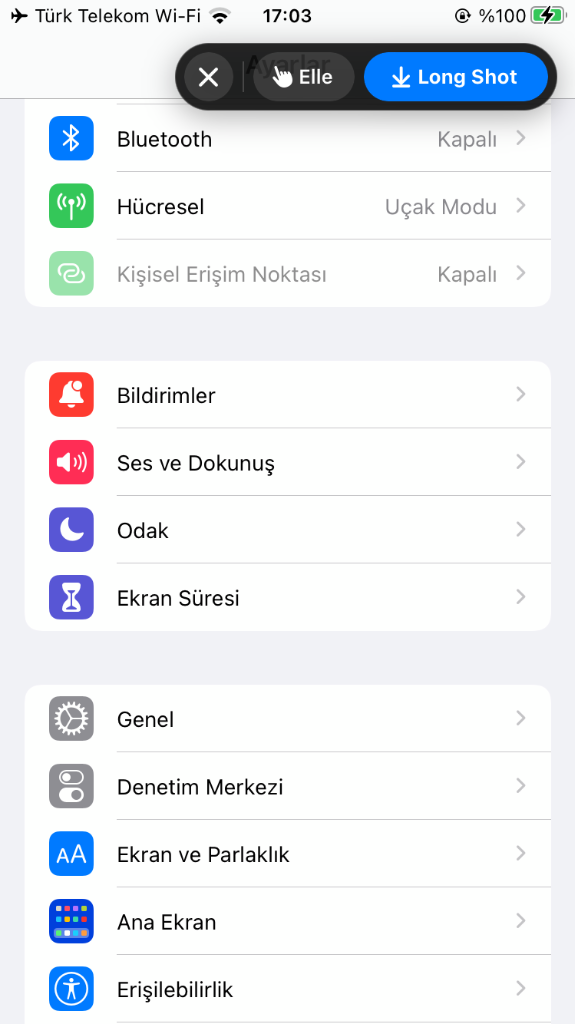
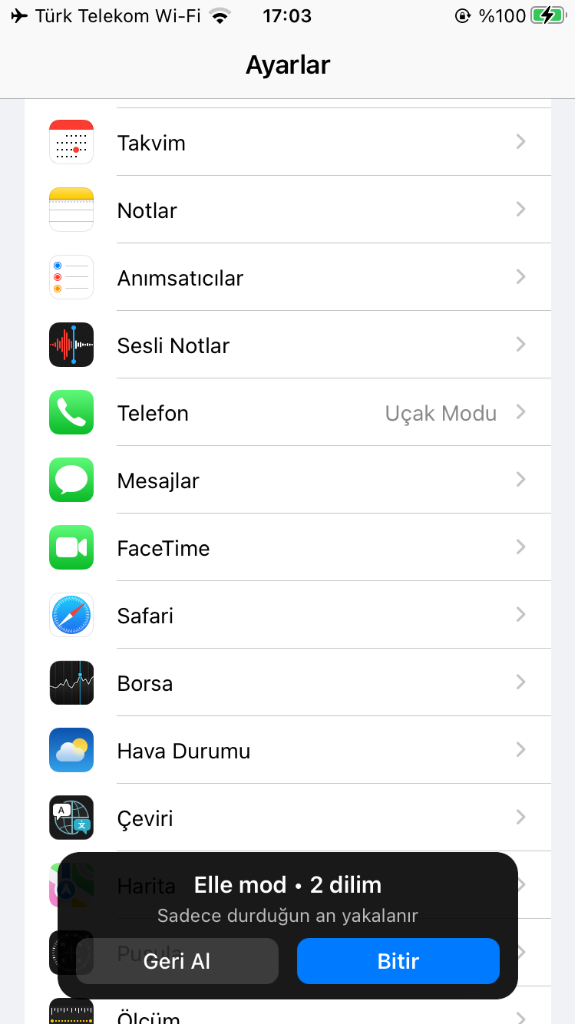
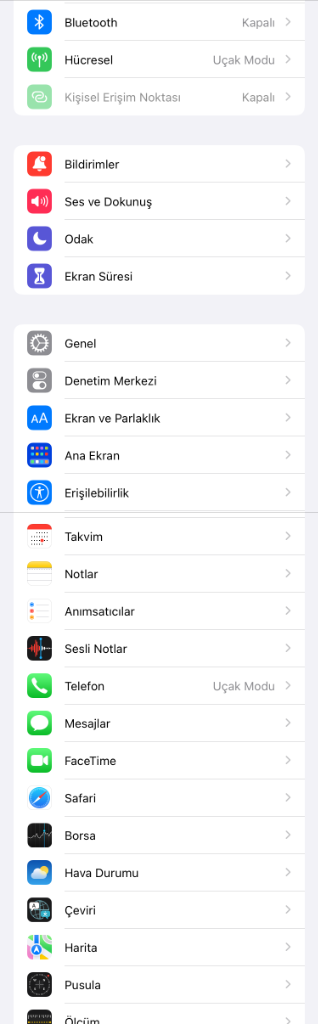
LongShot v1.1.1
Smart scrolling screenshot stitcher for iOS. Automatically or manually captures vertically scrolling apps (Safari, X/Twitter, WhatsApp, Settings, Reddit, etc.) into a single, seamless, high-resolution image saved directly to your Photos library.
- ✦ Auto & Manual Modes: Hands-free scrolling stitch or step-by-step custom slice capture.
- ✦ Live Stop Control: Tap 'Stop' anytime to cleanly crop and stitch slices captured up to that point.
- ✦ Hide Stock Thumbnail: Cleanly suppresses Apple's bottom-left screenshot thumbnail during capture.
- ✦ Quick Respring Button: One-tap SpringBoard restart from Settings menu and navigation bar.
- ✦ Native Preferences Panel: Full diagnostic logs, bilingual support, and configurable preferences.
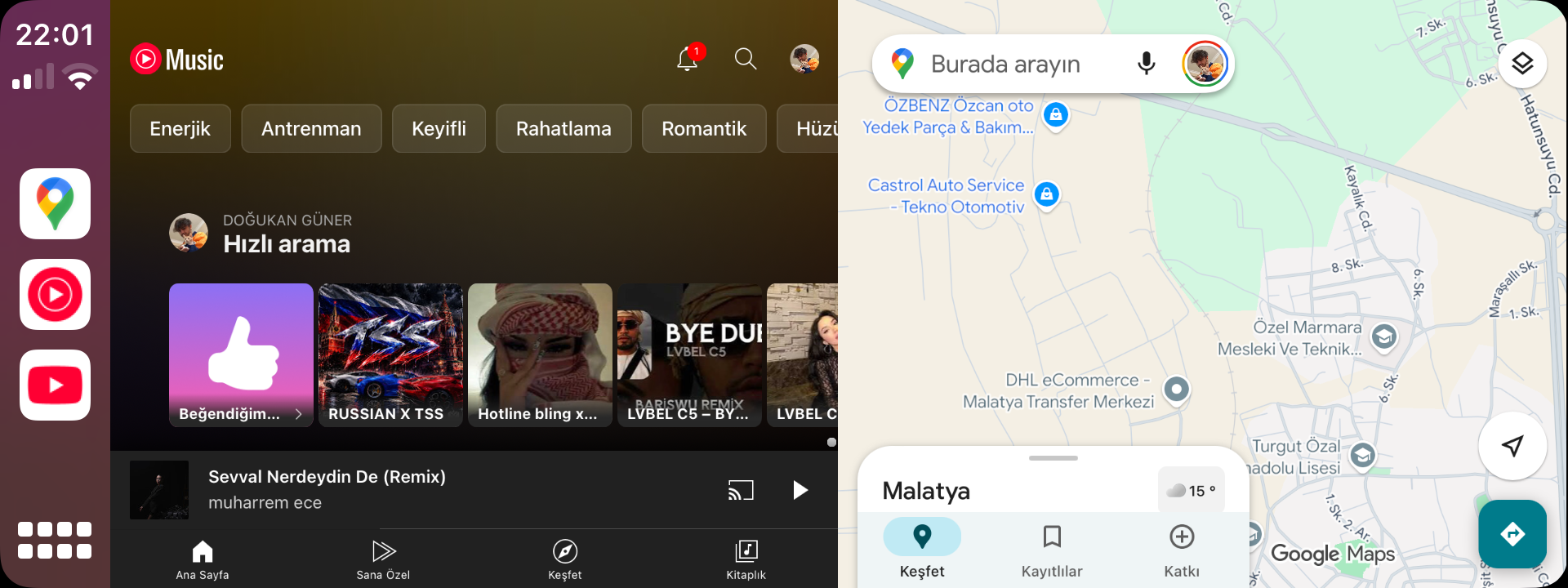
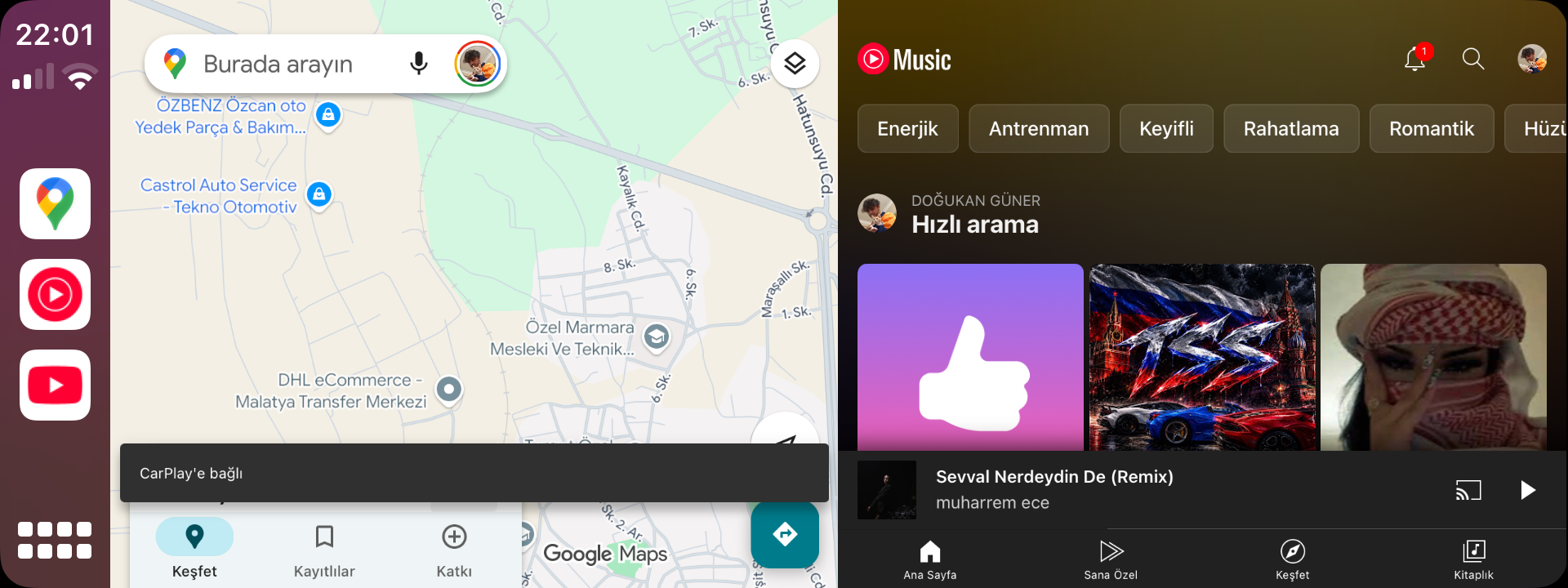
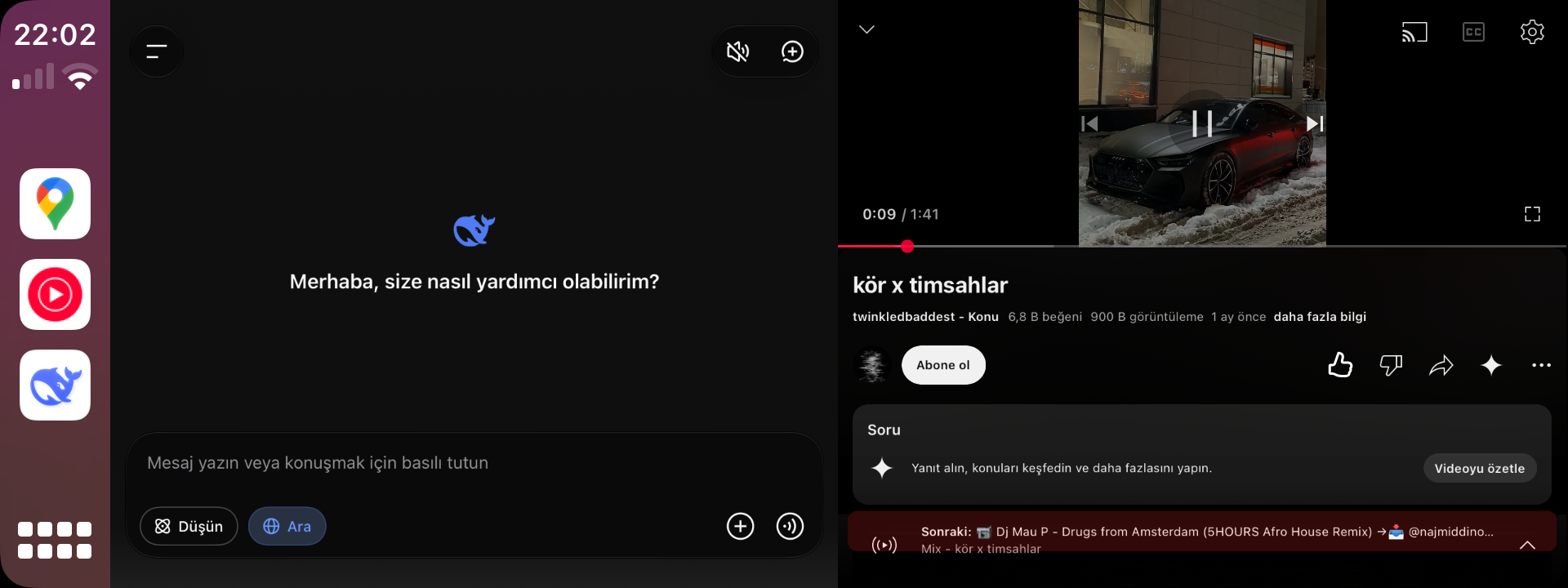
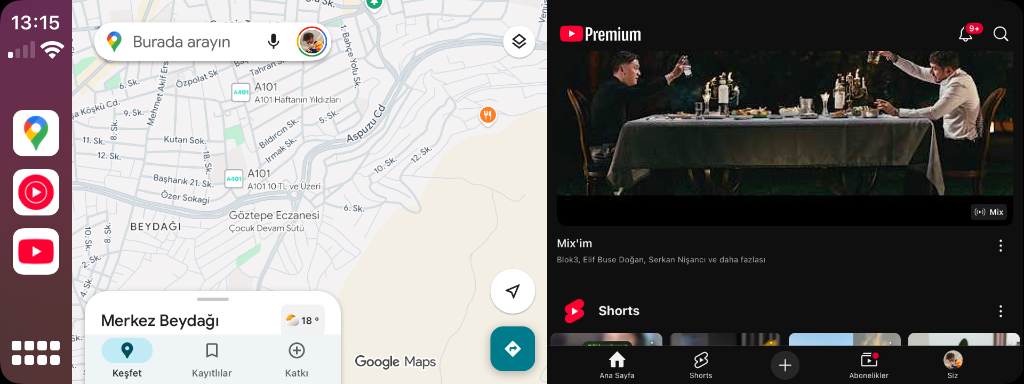
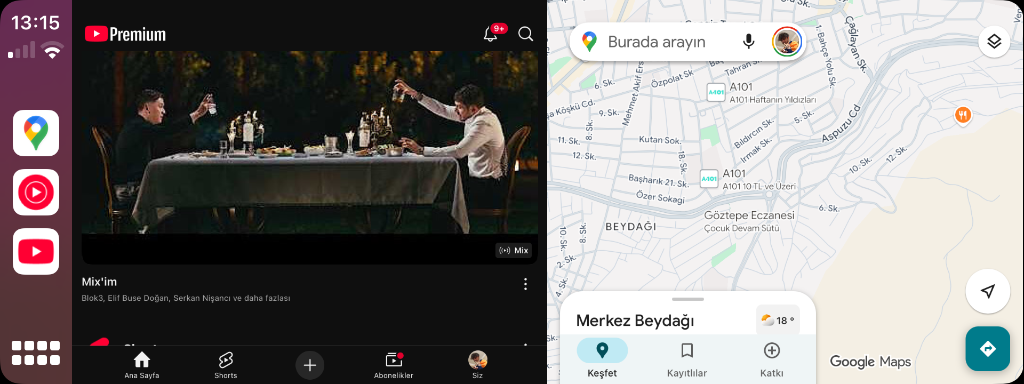
CarSplit BETA 6
Run any two bridged applications side-by-side simultaneously on your Apple CarPlay display. Features independent dual-touch control, one-tap clock layout switching, and native Settings integration.
- ✦ True Multitasking: Both apps stay 100% active with zero freezing.
- ✦ One-Tap Clock Switch: Tap CarPlay status bar clock to cycle split layouts.
- ✦ Requires CarBridge: Works seamlessly on top of bridged apps (Havoc / carbridge.app).
- ✦ 11 Native Languages: English, Turkish, Vietnamese, German, Spanish, and more.
📦 Step-by-Step Installation
- Tap Add to Sileo or Add to Zebra above (or paste
https://doguner1.github.io/repo/into your package manager sources). - Wait for repo sources to refresh and select CarSplit or LongShot.
- Tap Get → Confirm to install. When Sileo finishes, tap Restart SpringBoard.
- Go to iPhone Settings:
- For CarSplit: Ensure CarBridge is installed, enable CarSplit toggle in Settings, and tap the status bar clock on CarPlay to split!
- For LongShot: Take any screenshot — the floating prompt will appear immediately!
Device Compatibility & Feedback
Tested on a different iPhone model or car head unit? Report bugs or submit feedback directly to the developer.
☕ Support Independent Development
All tweaks from Doguner Tweak Lab are 100% free and open to the community with zero paywalls. Consider supporting ongoing research on Gumroad!